100% on-device — auto cutout & export on your iPhone

One-Tap
China Visa ID Photos
Auto cutout. White background.

From messy home backgrounds to embassy-style 420×560 px digital exports — same proven pipeline as our US app, tuned for China’s online digital photo window.

Open in App Store iOS 17+ · iPhone
Automatic background removal
354–420 × 472–560 px window
Apple Vision on-device
No photo uploads to us

Any background in.
White-backdrop China digital out.

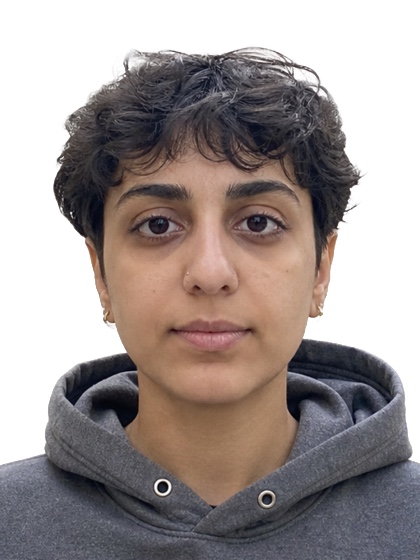
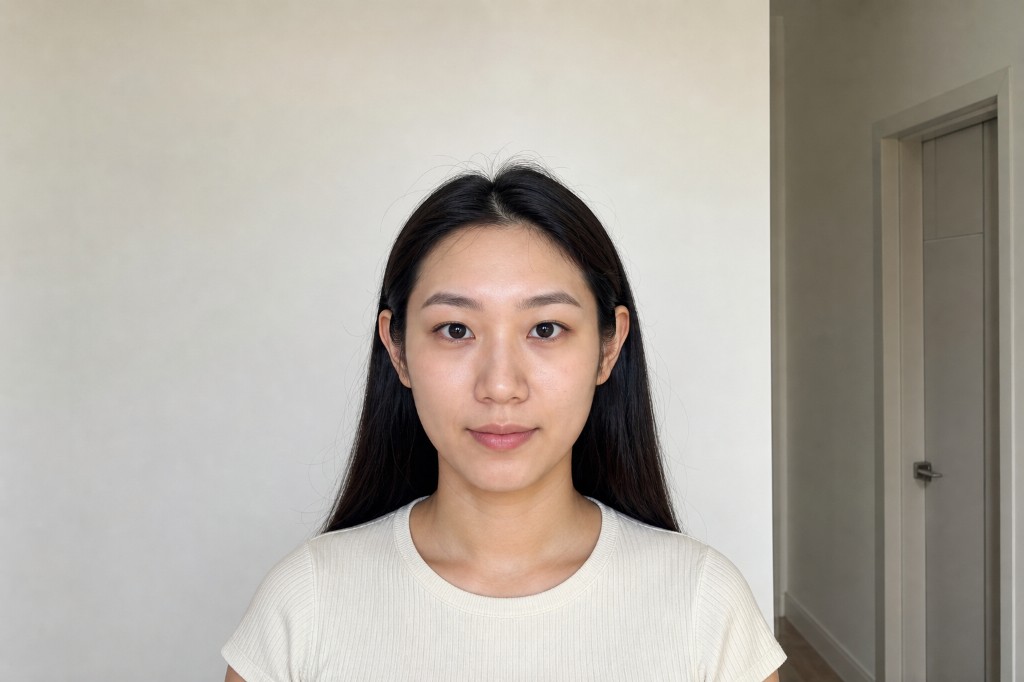
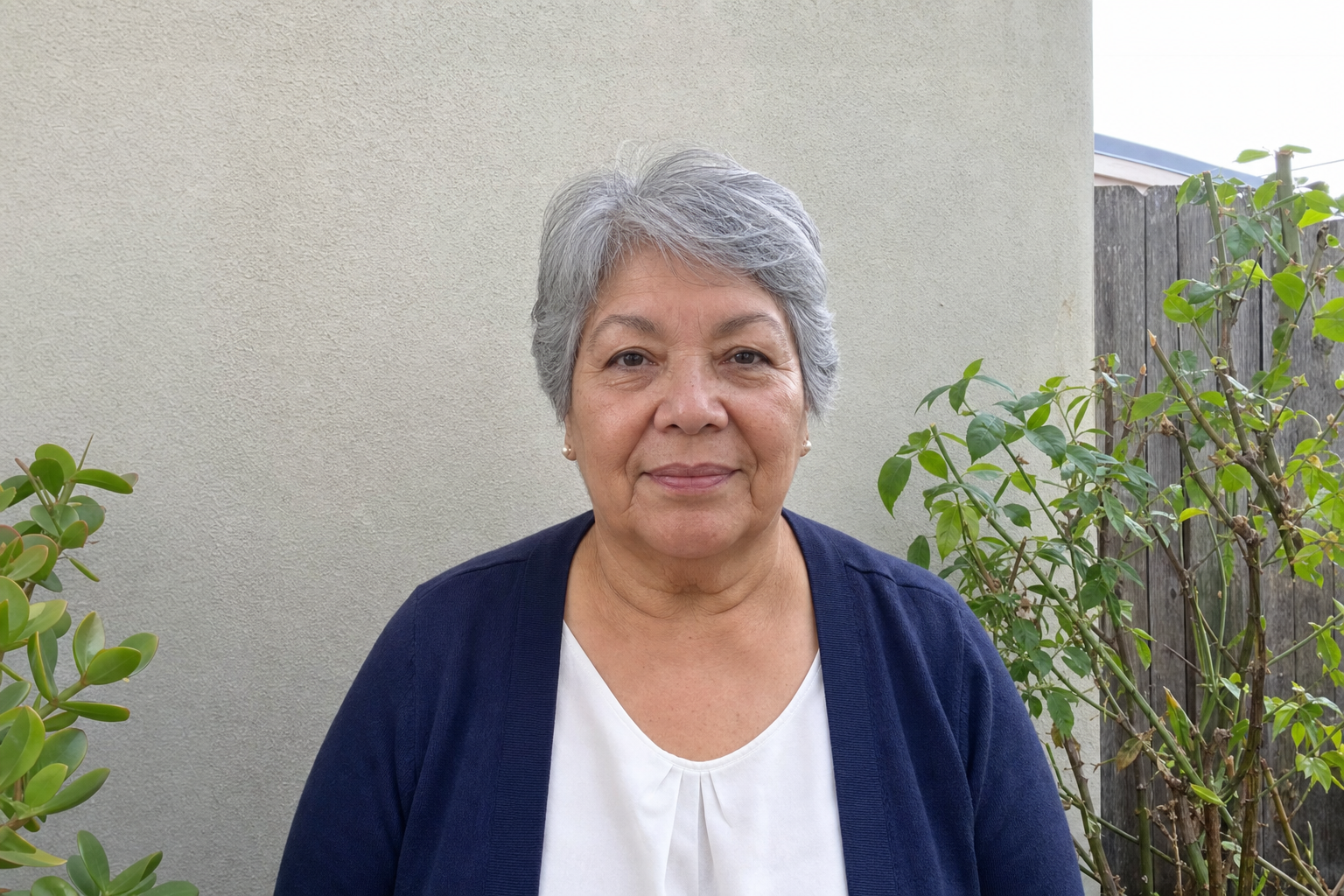
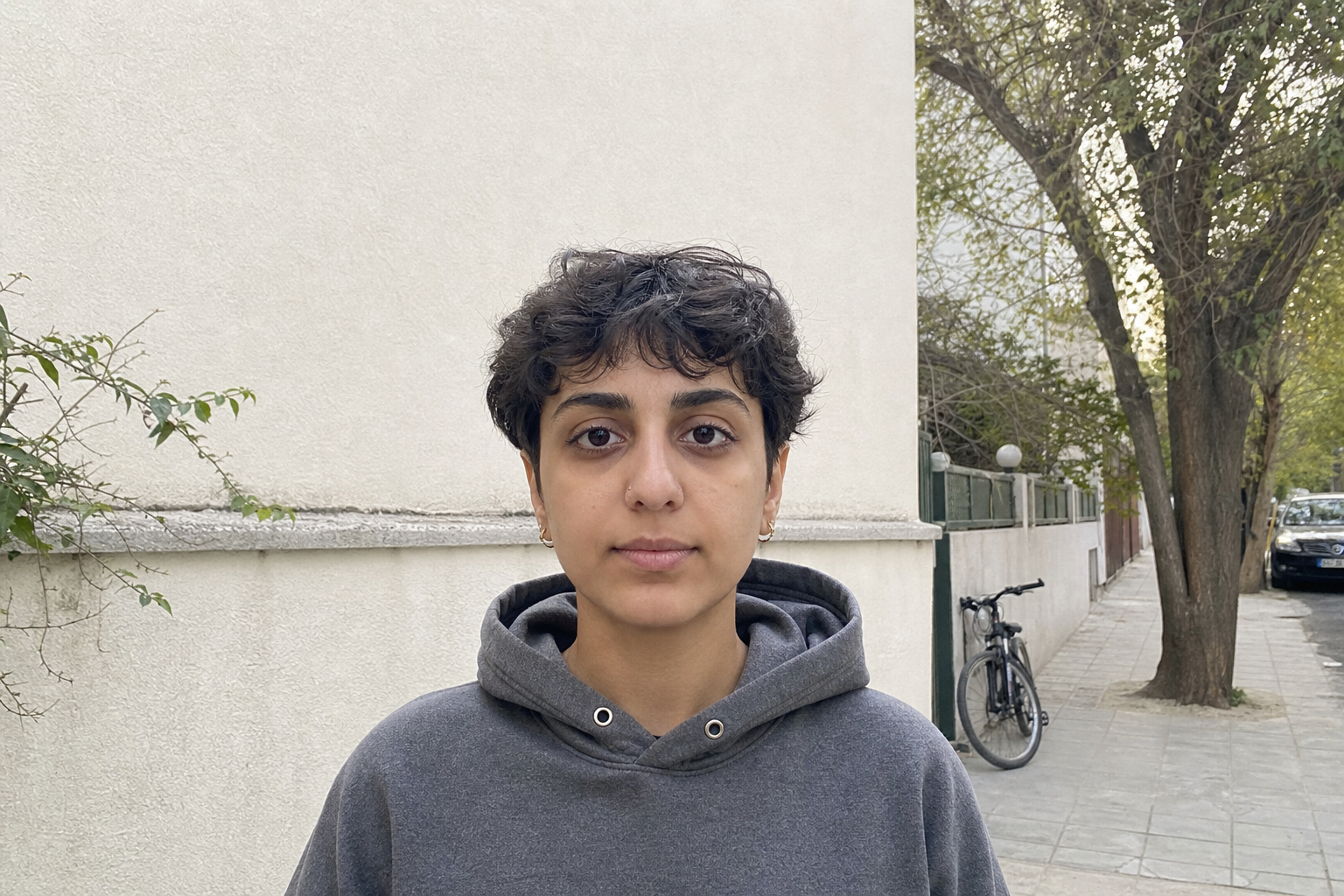
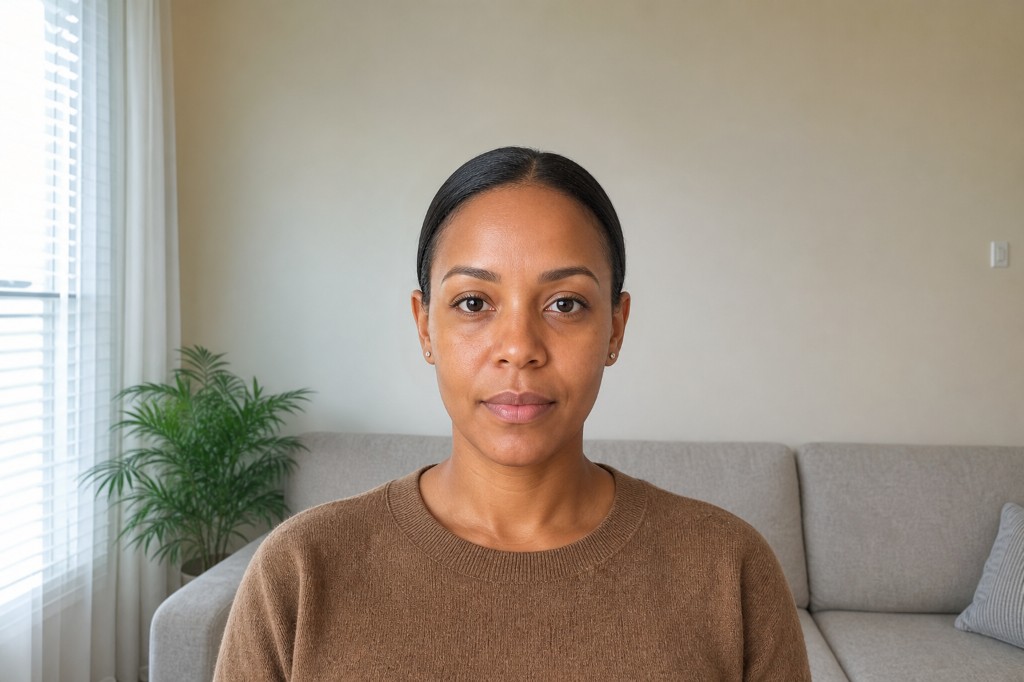
Real examples: living room, kitchen, outdoors — then clean cutouts on white, cropped to 33×48 visa proportions (same as embassy print reference).


China visa style result 1
China visa style result 2
China visa style result 3
China visa style result 4
China visa style result 5
China visa style result 6

Originals (before) · full aspect, Photos-style

Original 1
Kitchen
Original 2
Home portrait
Original 3
Patio
Original 4
Outdoor corridor
Original 5
Sidewalk
Original 6
Living room

In the app

Checklist, unlock & export

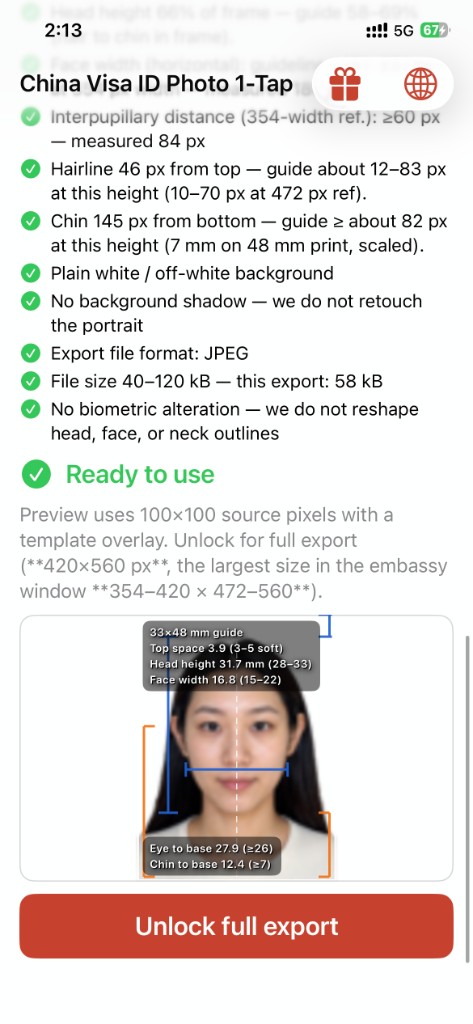
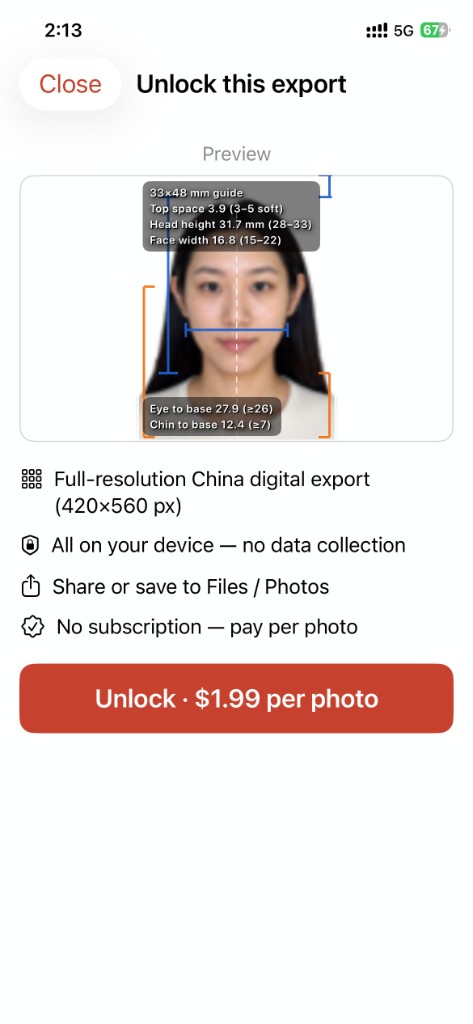
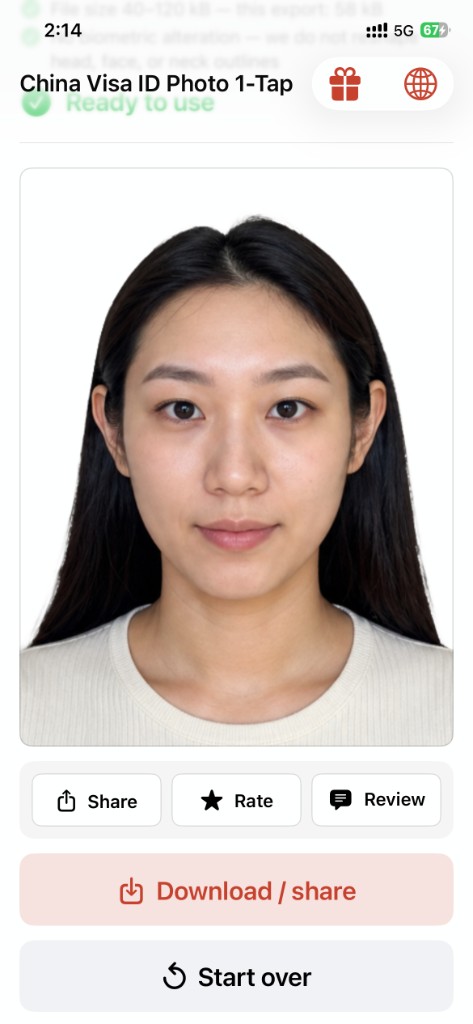
Fresh iPhone captures: China digital checklist, schematic preview with mm readouts, $1.99 unlock, finished export—and your on-device Saved Photos library.
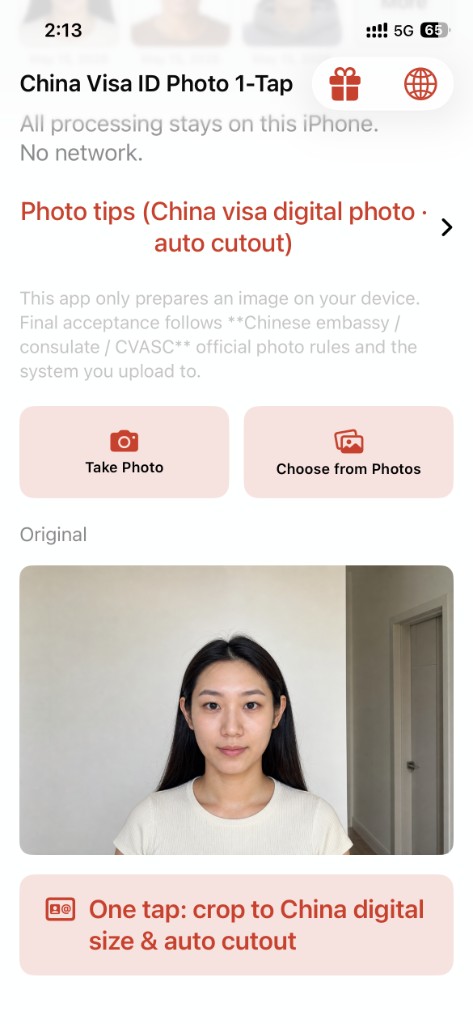
China Visa ID Photo 1-Tap: home screen with take photo and choose from photos
Home — camera / Photos picker, disclosure & photo tips
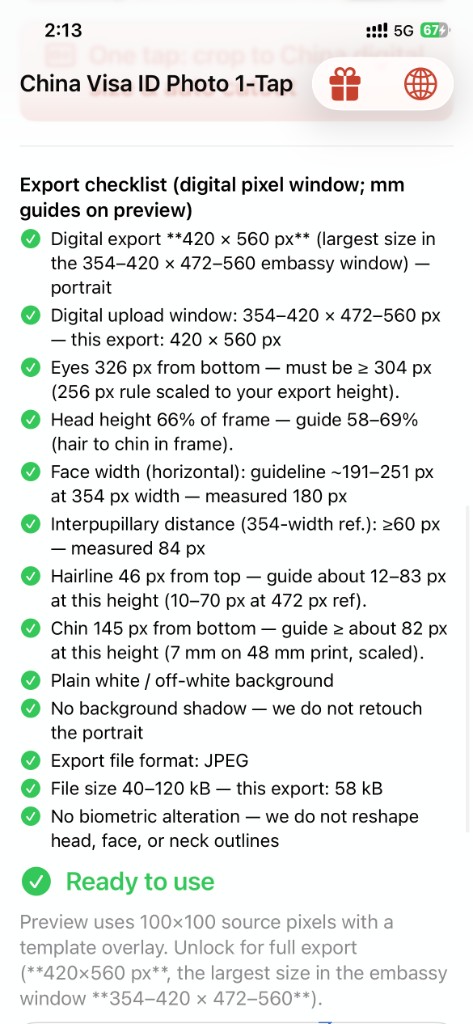
Extended export checklist with China digital measurements
Full export checklist — canvas, eyes, head, JPEG 40–120 kB…
Preview with mm overlay and Unlock full export
Ready to use — schematic + unlock for 420×560 export
Unlock this export sheet with benefits and price
Unlock — preview, benefits & $1.99 per photo
Unlocked portrait with Download share and Start over
After export — share / rate / review • download • start over
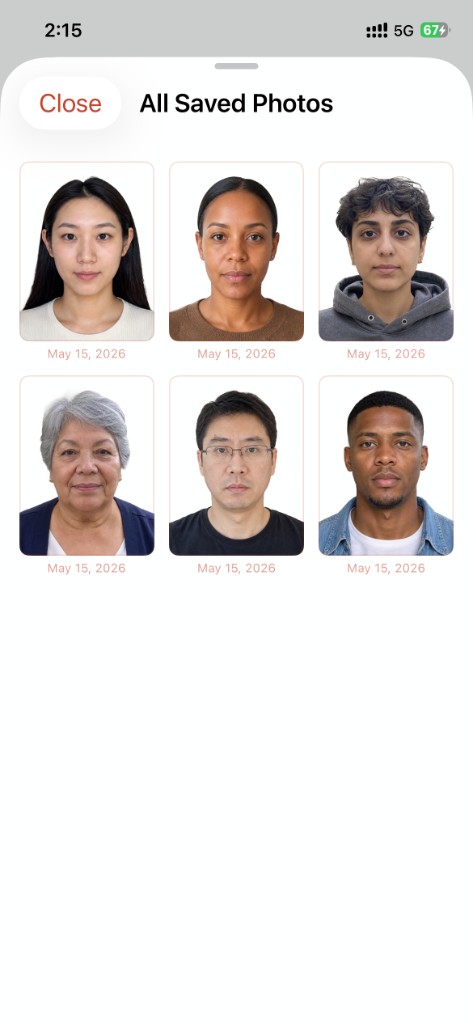
All Saved Photos gallery grid
Saved Photos — past exports on this iPhone

The same live checklist style as our US Visa Photo app — tuned to China’s digital canvas and JPEG policy.

What we optimize for (China digital)

The app guides composition toward common embassy / online-form examples. Always confirm the latest rules from your embassy, CVASC, or upload portal.

  • Digital canvas window — export within the commonly cited 354–420 × 472–560 px range; we default to the largest allowed 420×560 for clarity.
  • JPEG size policy — many online flows ask for 40–120 kB (24-bit RGB); the app encodes toward that checklist policy.
  • Eye height from bottom — measured against the 354×472 reference (e.g. eyes ≥256 px from bottom at that height).
  • Head & face width — head height and face width bands shown with live readouts on the schematic.
  • White / near-white background — after automatic cutout.
  • Lighting — even light when shooting still helps; we don’t reshape facial geometry.
  • Privacy — segmentation and matting run on your iPhone; no separate upload to our servers for processing.

Final acceptance is always at the discretion of Chinese embassies / consulates / CVASC and the system you upload to.

Built for China visa digital workflows

One tap from photo library to a white-background portrait — then smart crop & checks for the digital frame.

Auto cutout & white backdrop

Apple Vision–powered segmentation removes busy backgrounds and drops you onto a clean plate — the starting point embassy-style digital photos expect.

China digital crop & checklist

Framing and readouts aligned to the common 354×472 reference proportions, exported up to 420×560 inside the allowed pixel window.

On-device only

Core image work stays on your phone. Purchase flows use Apple’s systems; we don’t run our own photo cloud for editing.

Same multilingual UI as US Visa Photo

Built-in language switcher: English, 简体中文, 繁體中文, Español, 日本語, Deutsch, Français — matching our USVisaPhoto app family.

Three steps

1

Pick a photo

Any clear front-facing shot from your library — more headroom makes composition easier.

2

One-tap process

Auto cutout to white, crop toward China digital proportions, then review the animated checklist.

3

Unlock & export

Single consumable purchase per export — save to Photos and upload to your visa portal.

Pay per export

No subscription — unlock one processed photo at a time, same model as US Visa Photo.

China Visa ID Photo 1-Tap
$1.99 / export
  • 420×560 px export (within embassy window)
  • Automatic cutout + white plate
  • China digital checklist in-app
  • On-device processing

Why not a copy shop?

Studios and print shops work great when you’re already there — this app is for when you already have a decent phone photo and want a digital file fast, privately, and repeatably.

Exact storefront price may vary by region; shown in USD on the U.S. App Store.

When people use it

China visa online forms COVA / appointment flows Digital “电子版” uploads Replacing a rejected photo

Your China visa digital photo
starts on your phone.

Download on the App Store — $1.99 per full-resolution export.

Open in App Store