01
9:41•••
Shape the details
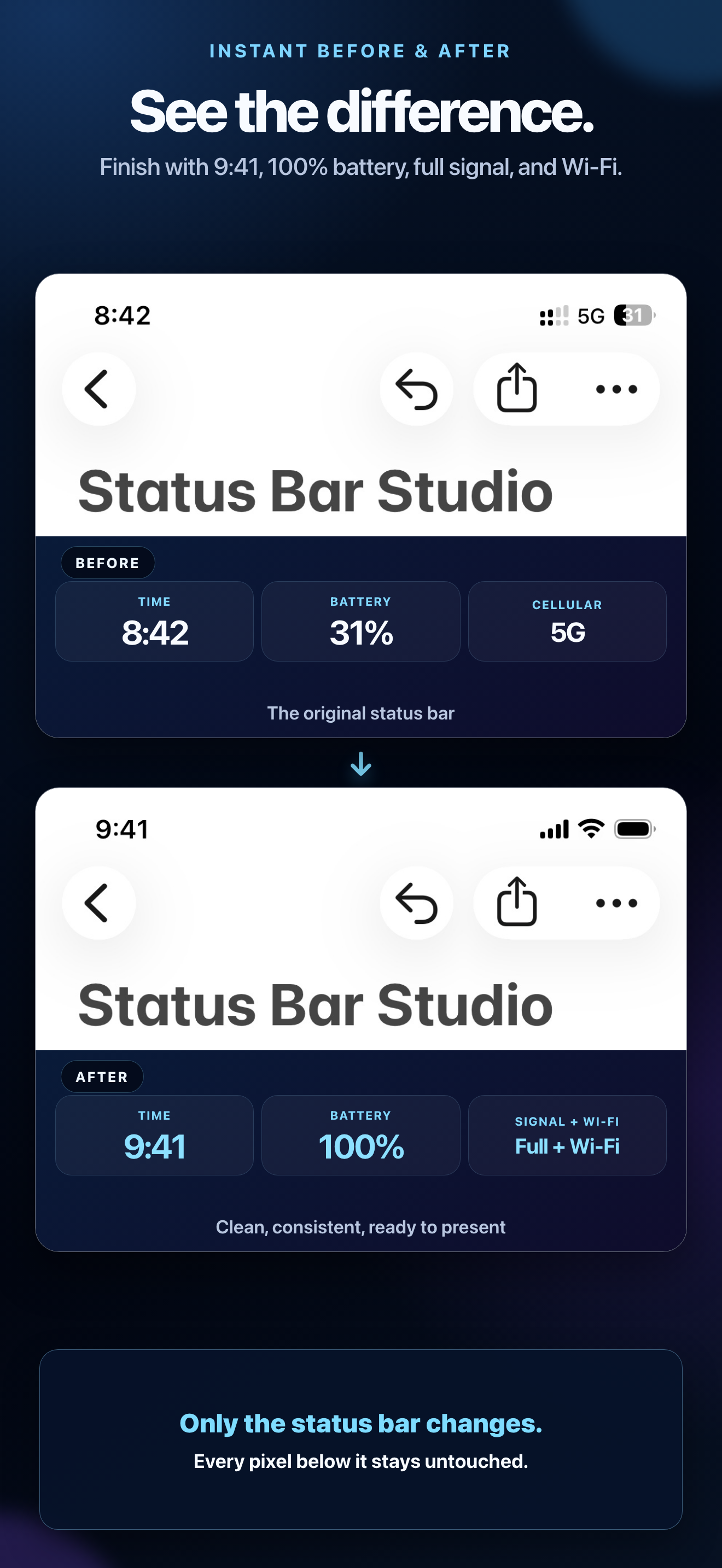
Choose 12- or 24-hour time, glyph tone, notch width, battery level, and a status-bar style. Preview Before and After without changing the rest of the image.
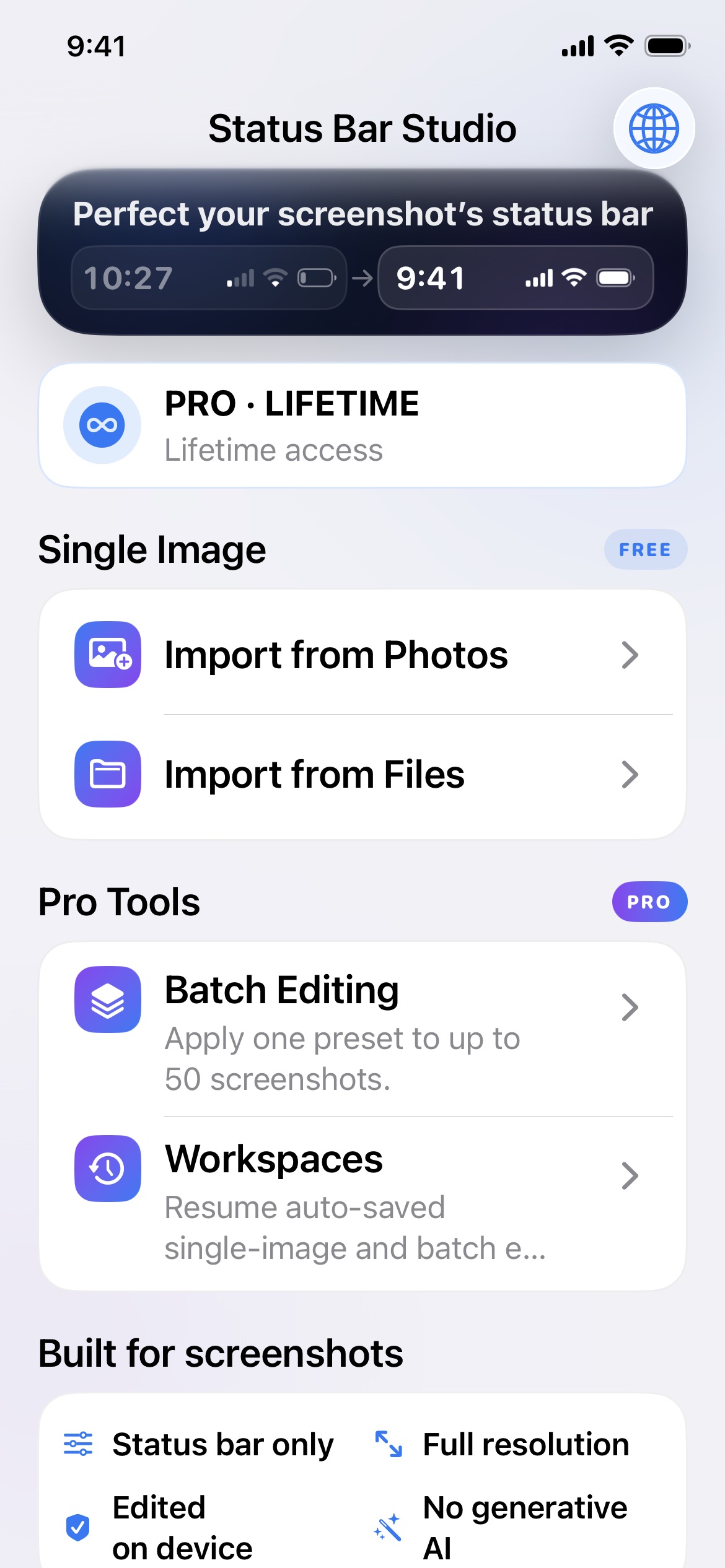
 Status Bar Studio
Built for screenshots
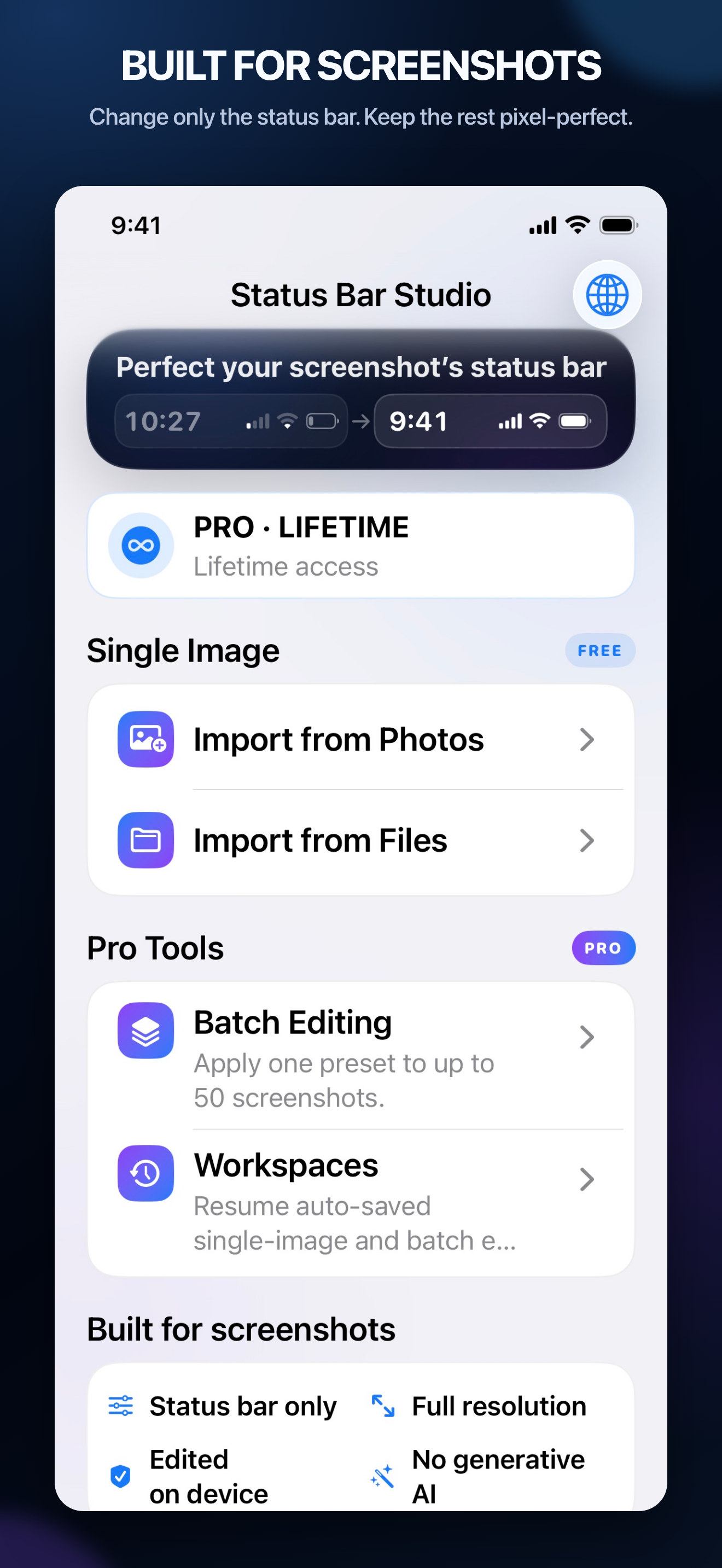
Import from Photos or Files, edit only the status bar, and export a new PNG at the original dimensions—all on your iPhone.
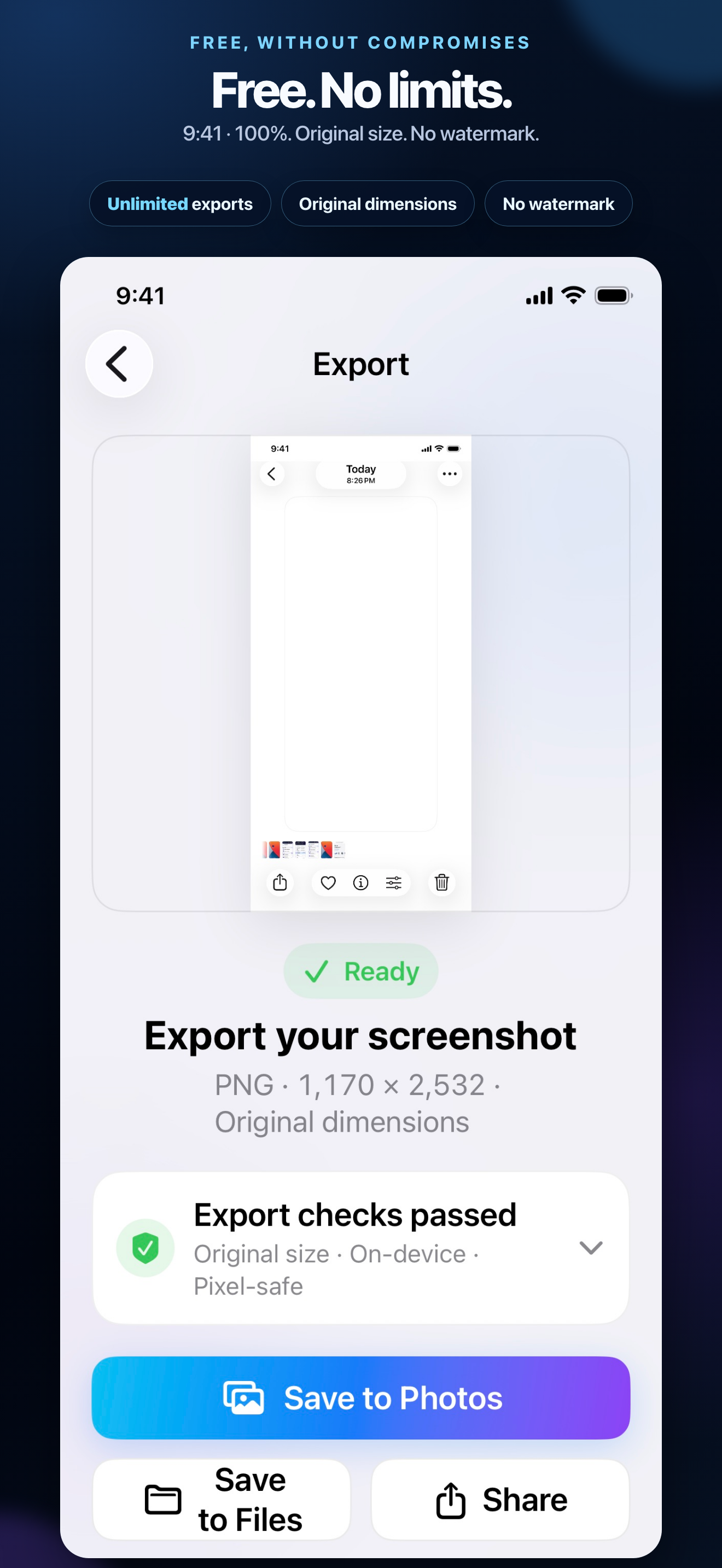
Free exports: White or Black with 9:41 and 100% battery.
No cloud uploads. No generative AI.
The complete product story
See Status Bar Studio in action—from unlimited free single-image exports to the complete Pro toolkit, Batch Editing, and private on-device delivery.
Precise by design
Status Bar Studio works with supported, full-size iPhone PNG and JPEG screenshots. It replaces the status-bar area while protecting the pixels below it.
Discover the workflowStart free
Export the free 9:41, 12-hour, 100% battery preset as often as you need. There is no watermark and your source screenshot is never overwritten.
A focused workflow
Choose 12- or 24-hour time, glyph tone, notch width, battery level, and a status-bar style. Preview Before and After without changing the rest of the image.
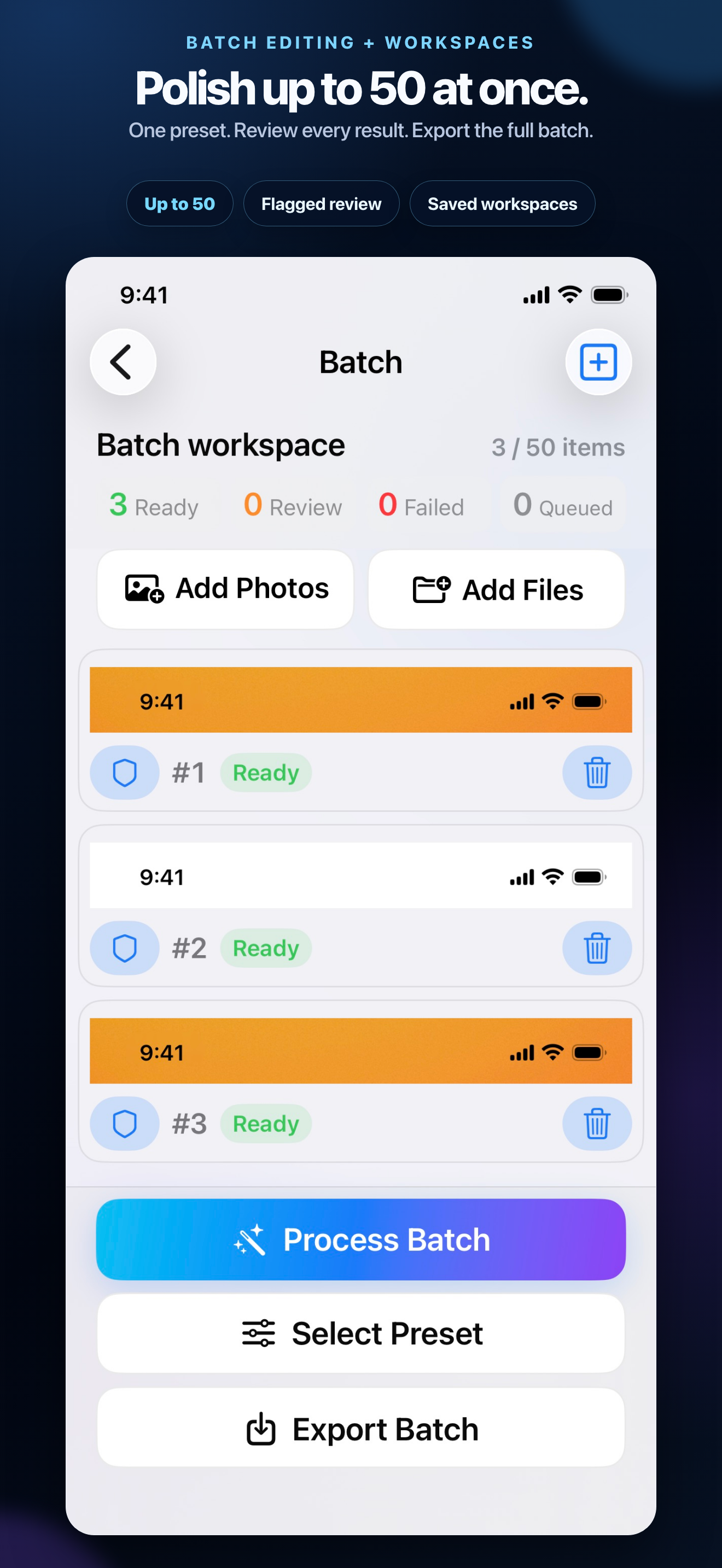
Apply one preset to up to 50 screenshots, review flagged items, and keep non-blocking work moving.
Create a new original-size PNG, then save to Photos or Files, or use the iOS share sheet.
Resume auto-saved single-image edits and batch workspaces on this device without starting over.
Supported screenshots
Status Bar Studio detects these supported pixel dimensions automatically. Unmodified screenshots work best.
1,170 × 2,532 · Notch
1,284 × 2,778 · Notch
1,179 × 2,556 · Dynamic Island
1,206 × 2,622 · Dynamic Island
1,290 × 2,796 · Dynamic Island
1,320 × 2,868 · Dynamic Island
Unlock Pro
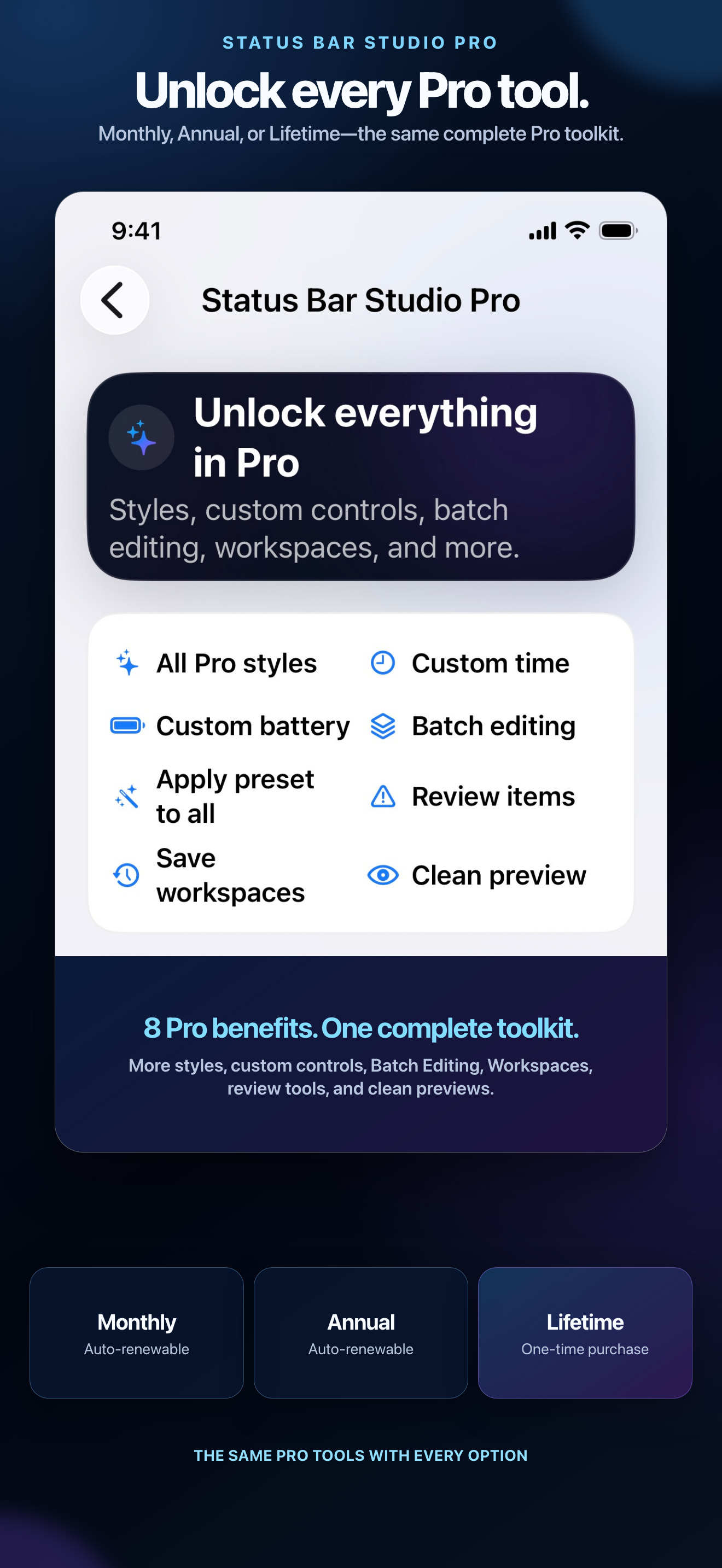
Every Pro plan unlocks the same editing tools. Choose a subscription or one-time Lifetime access in the app.
Pro Annual Recommended
Full Pro access, billed yearly.
Localized price shown in the appPro Monthly
Full Pro access, billed monthly.
Localized price shown in the appPro Lifetime
Pay once for Lifetime Pro access.
Localized price shown in the appPurchases are securely handled by Apple. Current localized prices, availability, renewal terms, and purchase confirmation are shown in the app.
Private by design
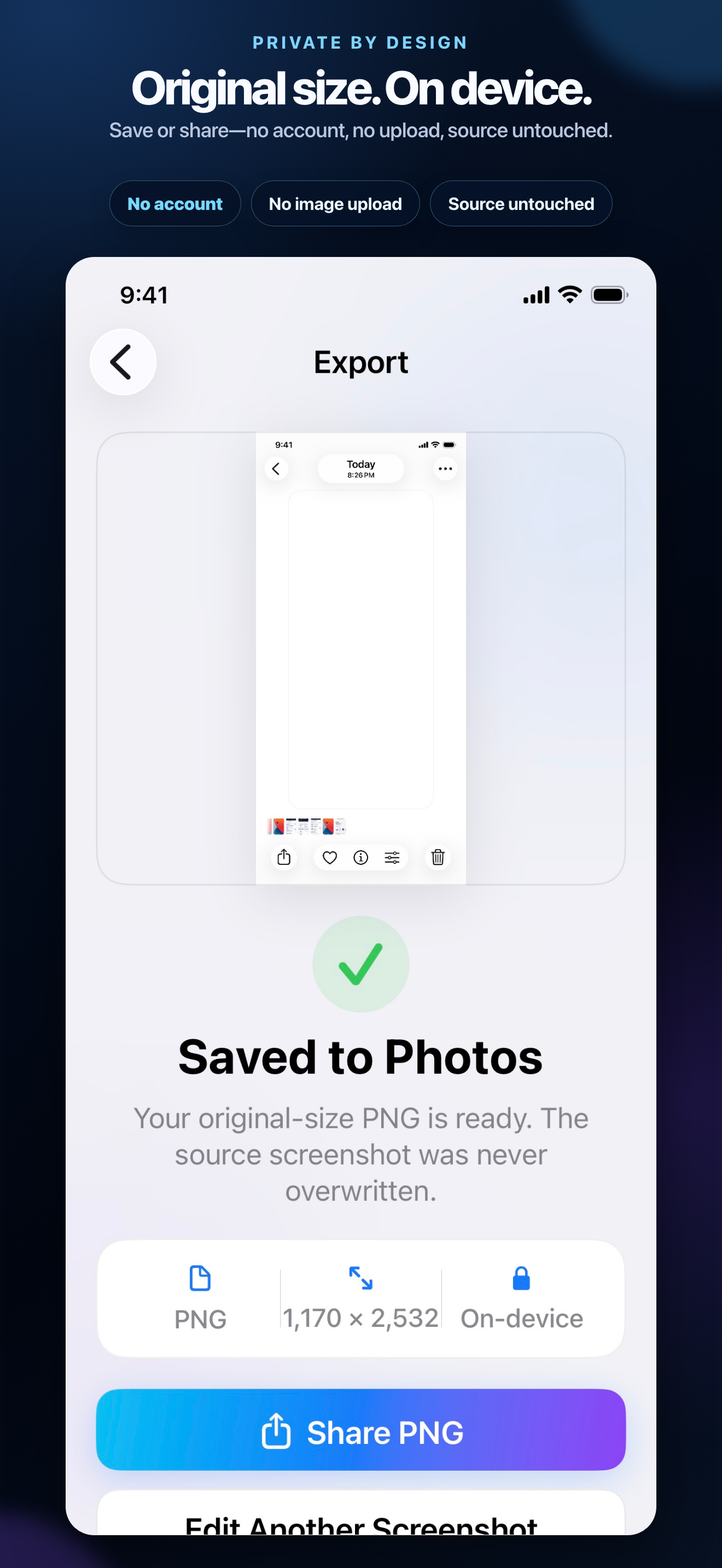
No image uploads, account, advertising, analytics, tracking, cloud processing, or generative AI. Editing works entirely on device.
Read our privacy policy